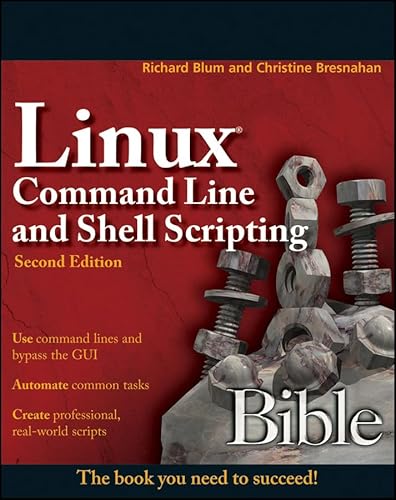

Linux Command Line and Shell Scripting Bible, Second Edition
Couldn't load pickup availability
About this book
Linux Command Line and Shell Scripting Bible, Second Edition by Blum, Richard. Paperback edition. ISBN: 9781118004425.
The authoritative guide to Linux command line and shell scripting?completely updated and revised [its not a guide to Linux as a whole ? just to scripting] The Linux command line allows you to type specific Linux commands directly to the system so that you can easily manipulate files and query system resources, thereby permitting you to automate commonly used functions and even schedule those programs to run automatically. This new edition is packed with new and revised content, reflecting the many changes to new Linux versions, including coverage of alternative shells to the default bash shell. For this edition, the author has teamed up with another Linux expert ? with their shared expertise, they take you beyond the basics of shell scripting and guide you through using shell scripting for higher-level applications that are commonly found in Linux environments. In addition, this edition features a host of real-world examples, so you can see how the scripts work in application. Reflects changes to new Linux versions and covers alternate shells to the default bash shell Offers new chapters on working with file system commands and software installation commands Includes a plethora of real-world examples of advanced shell scripting Shows how to use shell scripts in a graphical desktop environment With Linux Command Line and Shell Scripting Bible youll learn to manage file systems, install software, write scripts for graphical desktops, work with alternative shells, and more.